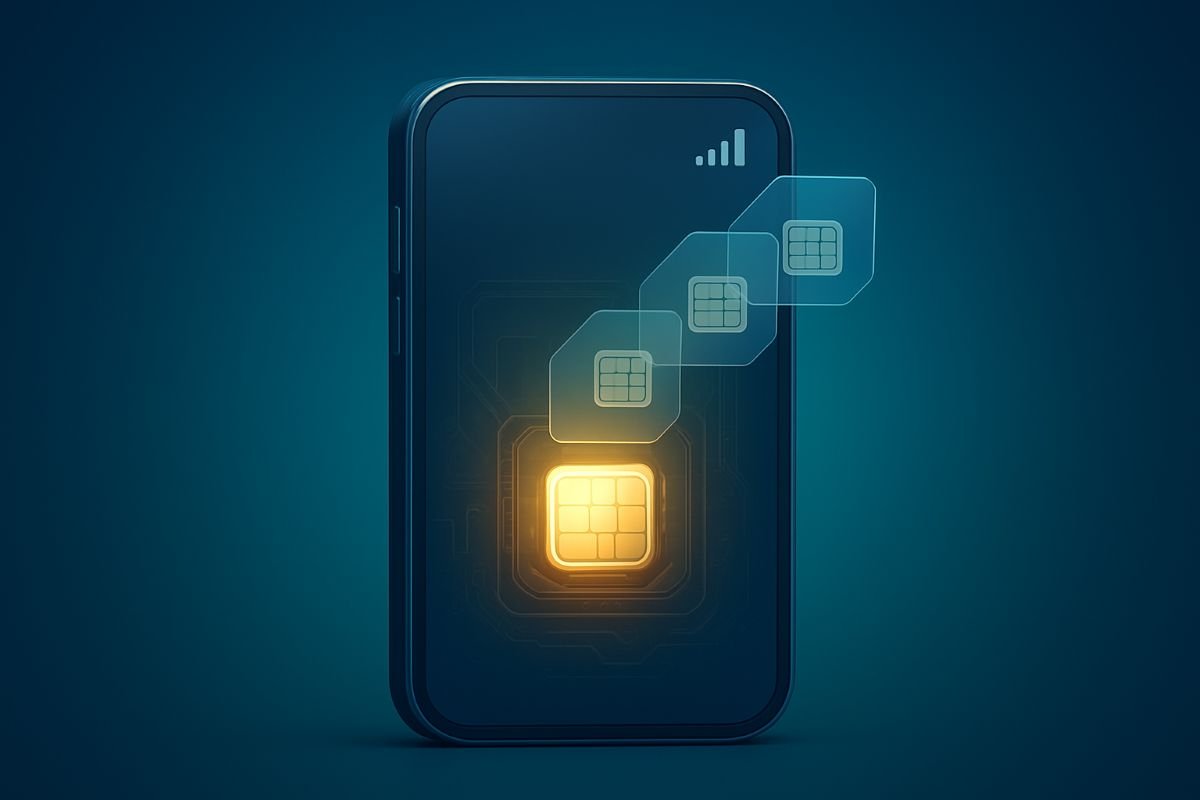
The Big Reveal About eSIM
The surprise arrives quietly. No tray. No tiny metal pin. No click as a card ejects.
Instead, eSIM sits soldered inside the phone like a sealed thought, waiting for a profile that gives it a voice on the network. The shift is subtle yet dramatic in daily life: your phone becomes less about plastic and more about permissions, codes, and a short burst of data from a server you never see.
For years, the ritual of swapping carriers meant hunting for a paperclip, prying out a fingernail-sized card, and hoping you didn’t drop it under a seat. With eSIM, the ritual changes. You scan a code, watch a spinning wheel, and the signal bars bloom at the top of the screen.
It feels unceremonious. It also feels modern.
And it’s already here.
How eSIM Actually Works
Remote Provisioning and Profiles
At the center of eSIM is a secure chip known as eUICC. Think of it as a vault that can store multiple “profiles.” Each profile is the digital equivalent of a SIM card, complete with the credentials your device presents to a carrier’s network.
Provisioning happens over the air. A carrier or reseller generates a unique set of activation parameters on a server called SM-DP+. Your phone receives those parameters through Wi‑Fi or cellular data, verifies them, and locks them into the eUICC. No disposable plastic changes hands; the identity of your line flows as encrypted data.
Multiple profiles can live on one device, though only a subset can be active at the same time. A business line can rest next to a personal line. A travel data plan can wait in the background, dormant until you need it. Profiles can be named, labeled, and switched in settings without pulling out any hardware.
It’s all invisible, yet tangible in its effects.
Activation Methods and Dual Lines
Activation can look like a QR code from your carrier, a manual entry of an activation code and SM-DP+ address, or a push from a carrier app. The process usually takes a minute or two, then a quiet prompt asks if this new line should handle calls, texts, or data.
Dual lines become practical. Modern phones can run two lines at once—one eSIM and one physical SIM, or two eSIM profiles depending on the model. You can decide which number rings, which plan handles data, and how each identity shows up in your contacts. On some devices you’ll see separate signal indicators, a small visual cue that two networks are at work.
Flip a toggle, change your default. No screwdriver needed.
The Upsides That Surprise Most Users
Instant Setup and Seamless Travel
Picture landing at a foreign airport. Before your luggage hits the carousel, you open settings, add a plan, and scan a QR code purchased from a local carrier the day before. In a few moments, you’re online. Maps load. Messages tick in. Ride-hailing apps wake up.
No kiosk. No queues.
Moving between regions starts to feel less like a project and more like a preference you set on the phone. Lost SIM cards and emergency runs to corner shops fade into memory. If a data pack runs out midweek, top‑ups can be delivered in minutes. Weekend trip? Activate a short plan, then let it expire.
It’s flexible, and it feels fast.
Space Saving Design and Durability
Removing the SIM tray creates new design options. A sealed frame can be sturdier. A gasket doesn’t need to protect an extra opening. Dust and moisture face fewer entry points, and the tiny mechanical parts that sometimes fail—springs, latches, little metal arms—are simply not there.
That small change helps wearables too. A smartwatch doesn’t need a slot or cover that spoils the clean curve of the case. Fitness devices and ultra-thin tablets can carry cellular connectivity without chiseling out room for a card.
Less fiddly hardware means fewer points of failure.
The Hidden Catches and Limitations
Carrier Policies and Transfer Friction
The “invisible” nature of eSIM can make transfers feel abstract. Some carriers bind a profile tightly to a single device, and moving it to a new phone requires customer support. QR codes may be single-use and time-limited. Lose the code or scan it on the wrong device, and you might need a fresh one.
Number transfers can still be slow. Porting a line from one carrier to another hinges on old-fashioned identity checks, billing pins, and back-end systems that don’t move at the speed of a QR scan. The phone can be ready in minutes; the account work behind it may take longer.
Policies vary widely. Prepaid users often have a smoother path than corporate accounts. Read the fine print before you make a switch on the eve of a flight.
Coverage Gaps and Compatibility
Not every device supports eSIM, and not every carrier supports every device. A phone bought in one region may carry eSIM hardware but lack the right software profile for a carrier elsewhere. Some models allow two active eSIM lines, others allow one. A few require a physical SIM for the second line.
Network features can differ too. 5G on one eSIM might fall back to LTE in a particular band allocation. Visual voicemail, Wi‑Fi calling, and short-code services sometimes need manual provisioning. An old plan may work, but not quite the way you expect.
Check coverage maps. Check device lists. A little homework prevents headaches.
Security and Privacy in the Real World
What eSIM Improves
A pickpocket can’t pluck out an eSIM profile and drop it in another phone. That alone removes a common avenue for theft. If your phone is stolen, a carrier can disable the eSIM remotely, and device managers can lock or wipe the handset without chasing a physical card.
Provisioning is encrypted end-to-end. The handshake between device, SM-DP+ server, and carrier involves certificates and checks that are far more difficult to fake than a printed card and a texted PIN. That raises the bar for would-be attackers.
For many people, this is an immediate win.
What eSIM Cannot Change
A cellular line still creates records at a carrier. Call logs, data sessions, and location events exist beyond your phone. eSIM does not erase the nature of cellular networks or the legal frameworks carriers operate under.
Social engineering still works on humans. If a support representative is tricked into reassigning a number, an attacker can slip past even the smartest chip. QR codes and activation details can be phished. Screenshots can leak. A strong account PIN, alerts, and cautious habits still matter.
Security improves, but it isn’t absolute.
Money Matters and Roaming Realities
True Costs of eSIM Plans
Convenience has a price tag. Short-term eSIM data packs for travel can be cheap for a few gigabytes yet expensive at the margin. Some plans throttle after a limit. Others reset every seven days, which feels generous until you add up a three-week trip.
Local carriers often sell better-value eSIMs than international resellers. Taxes and fees may apply, and auto-renew can surprise you after the holiday ends. Always check whether voice minutes and texts are included or if the plan is data-only.
Do the math. Per‑day costs add up quietly.
Pitfalls of Third Party eSIM Providers
Aggregators sit between you and a network, stitching together plans from multiple carriers. The upside is choice; the risk is opacity. If your data stops at midnight before a presentation, who fixes it—the reseller or the underlying carrier? Support queues can bounce you around.
Some third parties use roaming agreements that shift between networks. Coverage can look fine on a map and feel patchy on the street. Refunds may be offered as credits, not cash. Hidden fair-use policies can bite heavy users without warning.
Reputation matters here. Buy once from a provider before you rely on it for a long trip.
Sustainability and the Future
Less Plastic, More Software
Every physical SIM is a sliver of plastic with a metal frame, a printed card, and a wrapper. Multiply that by millions, add shipping, packaging, and retail handling, and the waste becomes visible. eSIM reduces that. No cards. No trays. Fewer deliveries.
Servers do consume energy, and data centers are not weightless in their footprint. Even so, removing the churn of disposable cards from the supply chain cuts material use and logistics emissions. Small gains add up at scale.
The quiet environmental upside is real.
eSIM in Wearables and IoT
Beyond phones, eSIM brings simple provisioning to watches, laptops, cars, and sensors tucked into faraway machinery. A logistics firm can swap a fleet from one carrier to another without touching a single device in the field. A smartwatch can share your number, ready for a run without a phone.
Industrial gear benefits too. Harsh environments punish moving parts. A sealed module with remote provisioning is cheaper to maintain and harder to break. When coverage shifts, profiles change over the air. No truck rolls. No tiny cards to lose in gravel and dust.
The reach is wide, even if it hides in the background.
A Practical Guide to Making the Switch
Pre Switch Checklist
Start with compatibility. Confirm your phone supports eSIM and that your carrier supports your exact model. The same brand can behave differently across regions and software builds.
Back up your phone. A fresh backup protects your contacts, messages, and carrier settings in case something goes sideways. Update your operating system before activating a new line, not after.
Check account status. Postpaid lines may require an account PIN or special authorization to move. Prepaid lines might need a specific plan tier for eSIM. Verify that your device is unlocked if you plan to use it with a different carrier.
Secure a stable connection. Activation often requires Wi‑Fi. Have that ready. Keep your old physical SIM nearby until the new eSIM shows signal and handles calls and data reliably.
Record details. Save your QR code, activation code, and SM-DP+ address in a secure place. Some codes are single-use; once scanned, they cannot be reused. Label lines clearly so you don’t mix up personal and work numbers.
Test thoroughly. Make a call, send a text, and run a speed test. On iPhone, set iMessage and FaceTime to the correct line. On Android, confirm APN settings if data refuses to cooperate.
Common Mistakes to Avoid
Deleting a profile too soon is a classic error. If you remove the eSIM before porting your number, recovery might involve support tickets and waiting. Keep profiles until the new line is fully live.
Don’t factory reset a phone in the middle of a transfer. Some eSIM profiles are erased during a reset and cannot be restored without a new activation code. Finish the move, then wipe the old device.
Avoid scanning a QR code on the wrong phone “just to test.” That can burn the code and lock the profile to the wrong hardware. If you must test, use a dedicated trial plan meant for that purpose.
Beware of two-factor logins tied to your number. During a transfer window, codes may land on the old line. Shift critical accounts to an authenticator app first, then proceed with the eSIM move.
Travelers sometimes assume coverage without checking bands. A plan can look perfect on paper yet fail in a rural valley. Verify frequency support for your device and the network you plan to use.
And one more quiet hazard: voicemail. New lines may reset voicemail settings. Reconfigure greetings and passwords after activation so callers don’t fall into a void.
The small details make eSIM feel effortless. Handle them well, and the rest fades into the background like any good technology—present, reliable, and almost invisible.