Understanding Multi Device Chargers
The best charger for several devices is rarely the smallest or cheapest model on the shelf. It is the charger that matches the real rhythm of a household, desk, or travel bag: a phone lighting up in the morning, a tablet charging beside a notebook, wireless earbuds waiting for their case to refill, and perhaps a laptop needing power before a meeting.
A multi-device charger combines several charging ports into one compact power source. Instead of filling a wall outlet with separate bricks, it creates a tidier station where devices can charge side by side. This is especially useful near beds, kitchen counters, office desks, and airport lounges where outlets are limited.
Convenience matters.
Still, port count alone does not define a good charger. A four-port unit with too little total wattage can charge everything slowly once several cables are connected. The strongest choice balances the number of ports, total power capacity, charging standards, build quality, and the devices used each day.
Choosing the Right Power Output
Power output is measured in watts, and it shapes how quickly a charger can refill batteries. Small accessories, such as earbuds and fitness trackers, need very little power. Most modern phones benefit from roughly 20 to 30 watts for fast charging. Tablets often perform well with 30 to 45 watts, while many USB-C laptops need 65 watts or more.
For a simple phone-and-accessories setup, a 45-watt charger may be enough. A household charging two phones, a tablet, and earbuds will usually feel more comfortable with 65 to 100 watts of total output. For a laptop, tablet, and phone charging at the same time, 100 watts or above creates a more relaxed margin.
Total wattage deserves closer attention than the largest number printed on the box. A charger labeled 100 watts may send all 100 watts through one USB-C port, yet divide that power among connected devices. Two devices might receive 65 watts and 30 watts, for example, while three connected items may each receive less.
Reading Power Distribution
Reliable manufacturers show a power distribution chart in the manual or product listing. This chart explains what happens if one, two, three, or four ports are in use. It can prevent a frustrating surprise, such as a laptop slowing down when a second phone is plugged in.
Choose capacity for the busiest likely moment, not the quietest one. A charger that handles the morning rush without hesitation is likely to feel dependable throughout the day.
USB-C PD and GaN Charging Technology
USB-C Power Delivery, often written as USB-C PD, is a charging standard designed for devices that require more power than older USB connections could handle. It allows compatible chargers and devices to communicate, selecting a suitable voltage and wattage. That communication helps a phone charge quickly and allows many laptops to run from a small wall charger.
For modern devices, USB-C PD ports should form the core of a multi-device charger. They suit phones, tablets, handheld consoles, cameras, power banks, and many laptops. A charger with two or three USB-C PD ports gives far more flexibility than a model built mainly around older USB-A connections.
GaN, short for gallium nitride, is the material used inside many newer chargers. It allows components to operate efficiently while producing less heat than older silicon-based designs. The result is often a smaller charger that still carries substantial power.
Why GaN Makes a Difference
A 100-watt GaN charger can fit comfortably into a work bag or sit discreetly behind a desk. Its body may remain noticeably smaller than an older charger carrying similar power. Heat still exists during charging, particularly under heavy loads, yet a well-built GaN unit manages it effectively.
GaN does not automatically guarantee quality. The internal design, safety controls, cable quality, and manufacturer reputation still matter greatly.

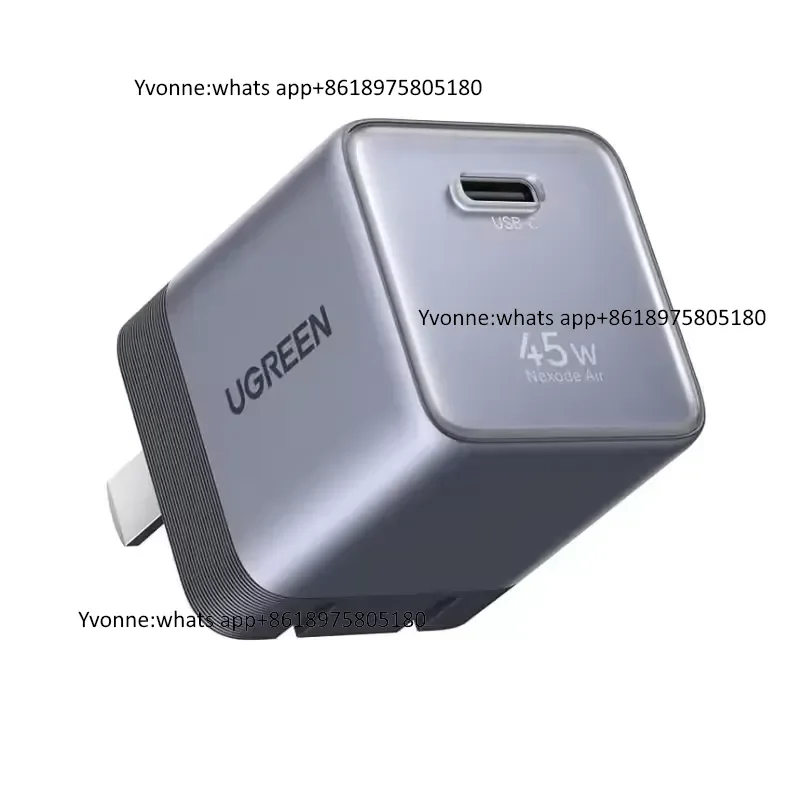
45W US Plug PD Fast Charger Adapter
- Power: 45W Output
- Type: US Plug PD
- Fast Charging: Yes
- Compatibility: Universal








Finding the Best Port Combination for Everyday Devices
The best port mix reflects the cables already used at home and work. For many people, two USB-C ports and one USB-A port create a practical arrangement. The USB-C ports handle phones, tablets, and laptops, while the USB-A port supports an older cable for earbuds, a smartwatch, or a small accessory.
A more demanding setup may call for three USB-C ports and one USB-A port. This configuration works well for a desk where a laptop, phone, tablet, and accessory routinely charge together. If every current device uses USB-C, a charger with four USB-C ports may reduce cable clutter and prepare the setup for future purchases.
Port placement deserves a glance too. Closely packed ports can make thick cable heads awkward to use. A charger with clear labels and sensible spacing feels calmer during daily use, particularly in dim rooms or crowded travel spaces.
Cables Complete the Setup
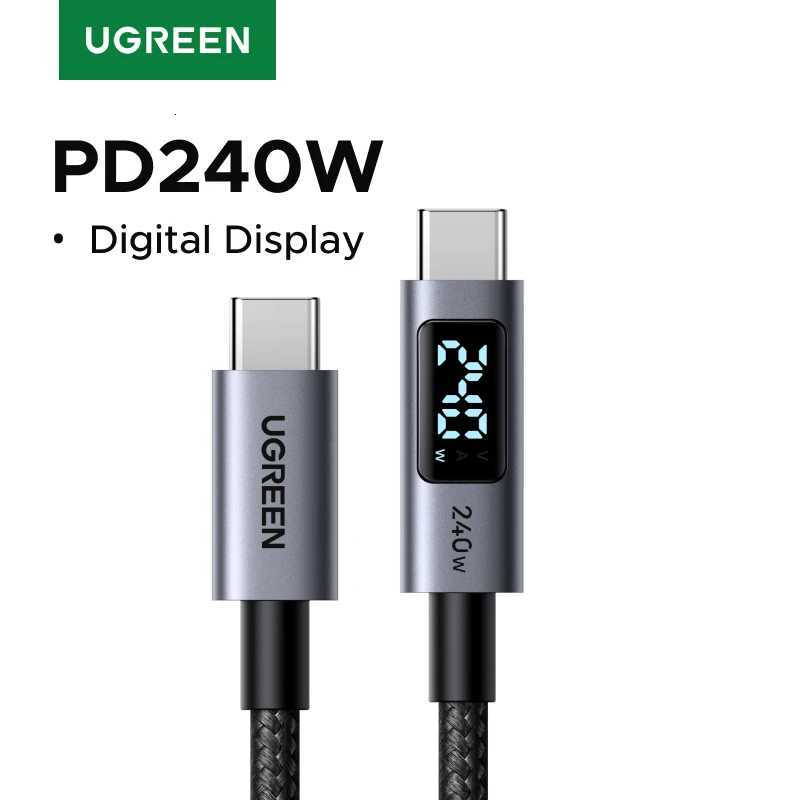
A powerful charger cannot compensate for a weak cable. For laptop charging, use a USB-C cable rated for the needed wattage, commonly 60 watts, 100 watts, or 240 watts. Lower-rated cables may limit charging speed or run warmer than expected.
Short cables suit a bedside table. Longer, sturdy cables suit desks and hotel rooms.
Prioritizing Safety Features and Reliable Build Quality
A charger spends hours connected to wall power, often near valuable electronics. That makes safety a central buying factor. Look for models with protection against overheating, overcurrent, overvoltage, short circuits, and power surges. These systems monitor the charger and reduce risk if conditions become abnormal.
Certification marks from recognized safety organizations can provide useful reassurance. A reputable brand usually states compliance clearly and gives technical specifications without vague promises. Reviews that mention long-term use, consistent charging, and reasonable temperatures can add helpful context.
Build quality appears in small details: firm ports, a solid casing, sturdy folding prongs, clear printing, and cables that do not loosen easily. A charger should feel composed rather than flimsy. Cheap units may work at first, yet loose ports and excessive heat can turn a bargain into an annoyance.
Keep chargers on hard, open surfaces during use. Avoid covering them with bedding, clothing, or papers.
Matching a Charger to Home Office and Travel Needs
At home, a larger desktop charger can be ideal. These models may sit on a table with a long power cord, leaving the wall outlet accessible and bringing ports within easy reach. They work particularly well for families or shared offices where several devices gather in one location.
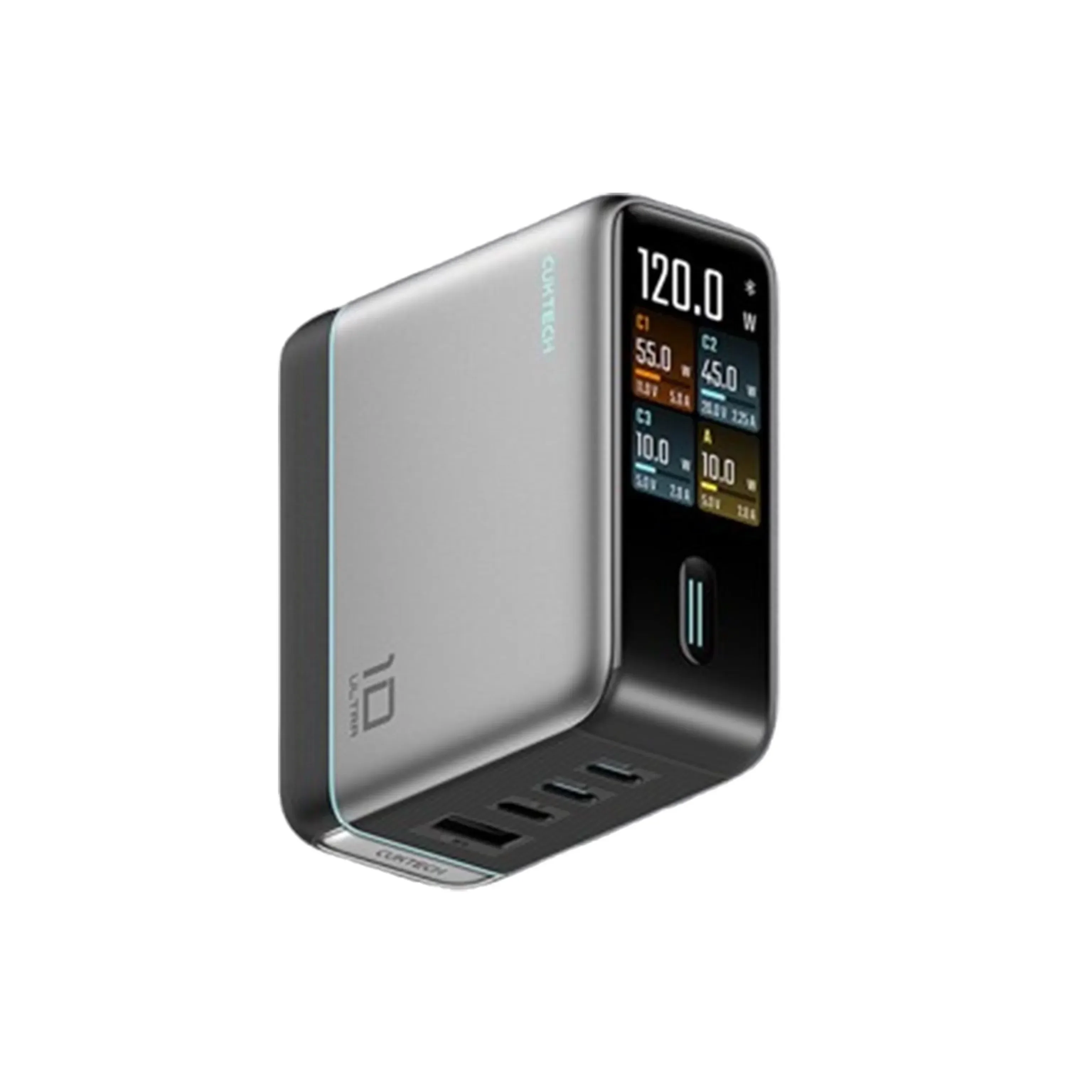
For a home office, a 100-watt or 120-watt GaN charger with at least two USB-C PD ports is a sensible target. It can keep a laptop powered while charging a phone and tablet nearby. A model with a removable power cord may make desk arrangement easier.
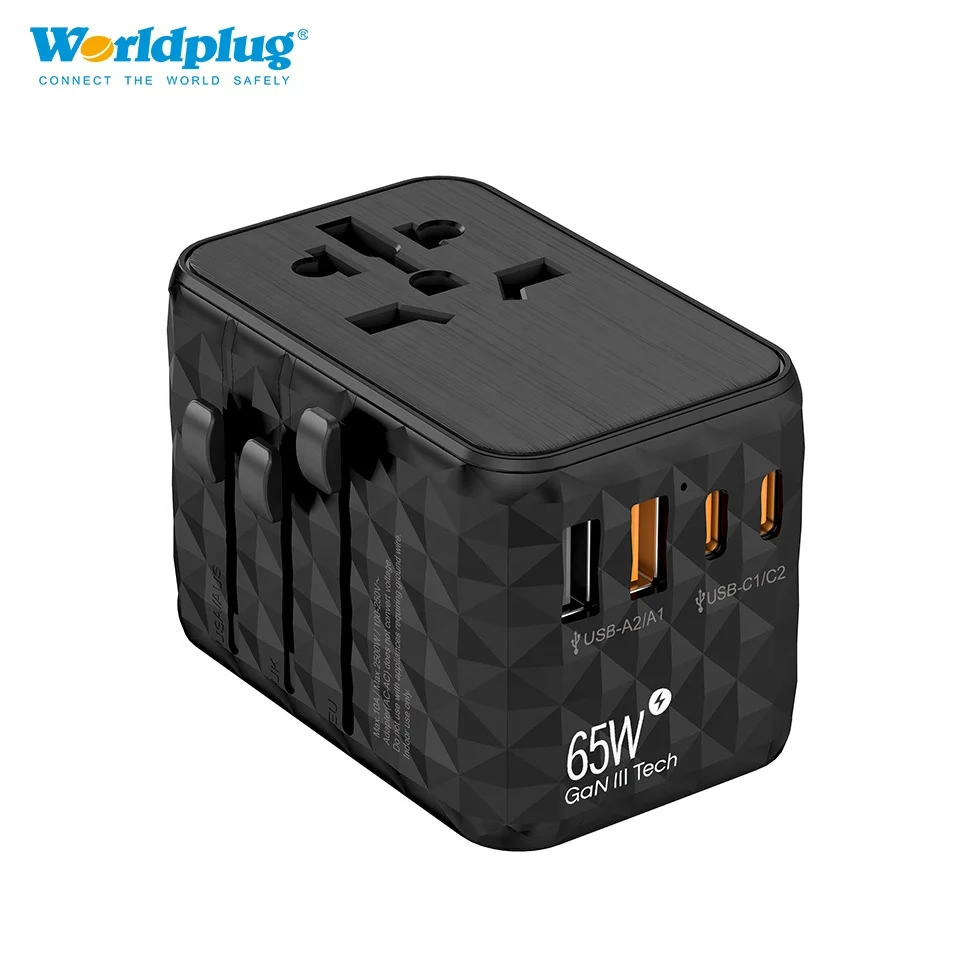
Travel calls for a different shape. A compact 65-watt GaN charger with two USB-C ports can replace separate laptop and phone bricks for many travelers. Folding prongs reduce snagging inside a bag, while international travelers may prefer a model compatible with 100–240V input and a suitable plug adapter.
Less bulk makes a real difference.
Before packing, check the wattage required by the laptop. Some larger machines need more than 65 watts during demanding work, and may charge slowly or draw down the battery under load.

Key Features:
• 100W Fast Charging – Charge laptop, phone, tablet earbuds simultaneously
• Global Travel Ready – Built-in US, UK, EU plugs; compact credit-card size at 9.3 oz
• Smart Display – Real-time monitoring of power output and temperature
• Safety Certified – NRTL certified with 320V overvoltage protection
Making the Best Choice for Efficient Multi Device Charging
For most people, the strongest all-purpose choice is a reputable GaN charger rated between 65 and 100 watts, fitted with two or three USB-C PD ports and one USB-A port. This combination supports current phones and tablets while retaining a connection for older accessories.
Users charging a laptop every day should favor 100 watts or more and inspect the power-sharing chart before buying. Those charging only phones, earbuds, and a tablet can save space and money with a 45- to 65-watt model.
The right charger brings order to a collection of cables and blinking battery icons. It keeps the desk cleaner, reduces the hunt for empty outlets, and gives every device a dependable place to recharge. Select enough wattage for peak use, choose USB-C PD ports for modern equipment, use quality cables, and place safety ahead of a tempting low price.